PAM
Pattern-based Audio Mapping System
Guided Tour
Build a beat in PAM step by step: pick a tutorial preset and advance through it.
Sample beat
1. Kick, snare and hats
- Three sample cells at 122 BPM. Cell 1 plays a kick on every beat and cell 2 a snare on beats 2 and 4.
- Both are in Trigger mode, so each hit rings out in full.
- Cell 3 plays sixteenth hats on a one-beat Note lane. Its four steps sit at four velocities, so even a one-beat loop carries an accent.
- Open the Note lane keyboard on the hats and move a velocity. The accent moves with it.
What Artists Are Saying
PAM is absolutely wild. What an amazing piece of software you have designed here; it's a playground for sample manipulation.
Richard DevineMusician / Sound DesignerWatch Richard’s PAM session

Nice! It's like Suno, but not as dumb.
Benn JordanMusician / YouTuberWatch Benn’s PAM session

I do not know what I am doing, you cannot go wrong nor right, and I do not care because I am having fun so I will 99.999% be performing live with this.
Bogdan RaczynskiMusician

Watch PAM
Start with the complete tutorial, then watch producers and artists use PAM in their own sessions.
Official tutorial
PAM Complete Tutorial
MAP Audio
Official and creator videos
Features
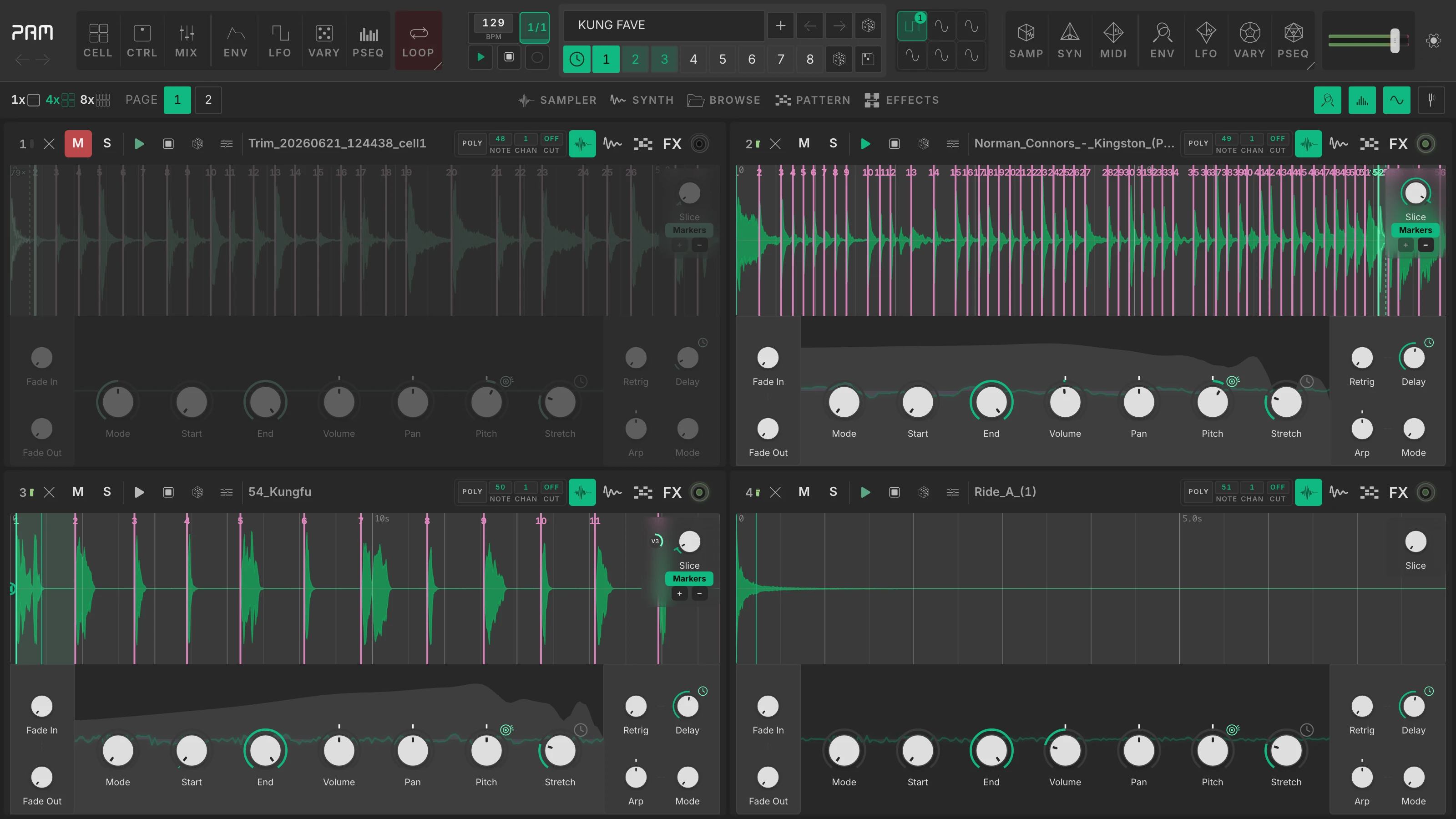
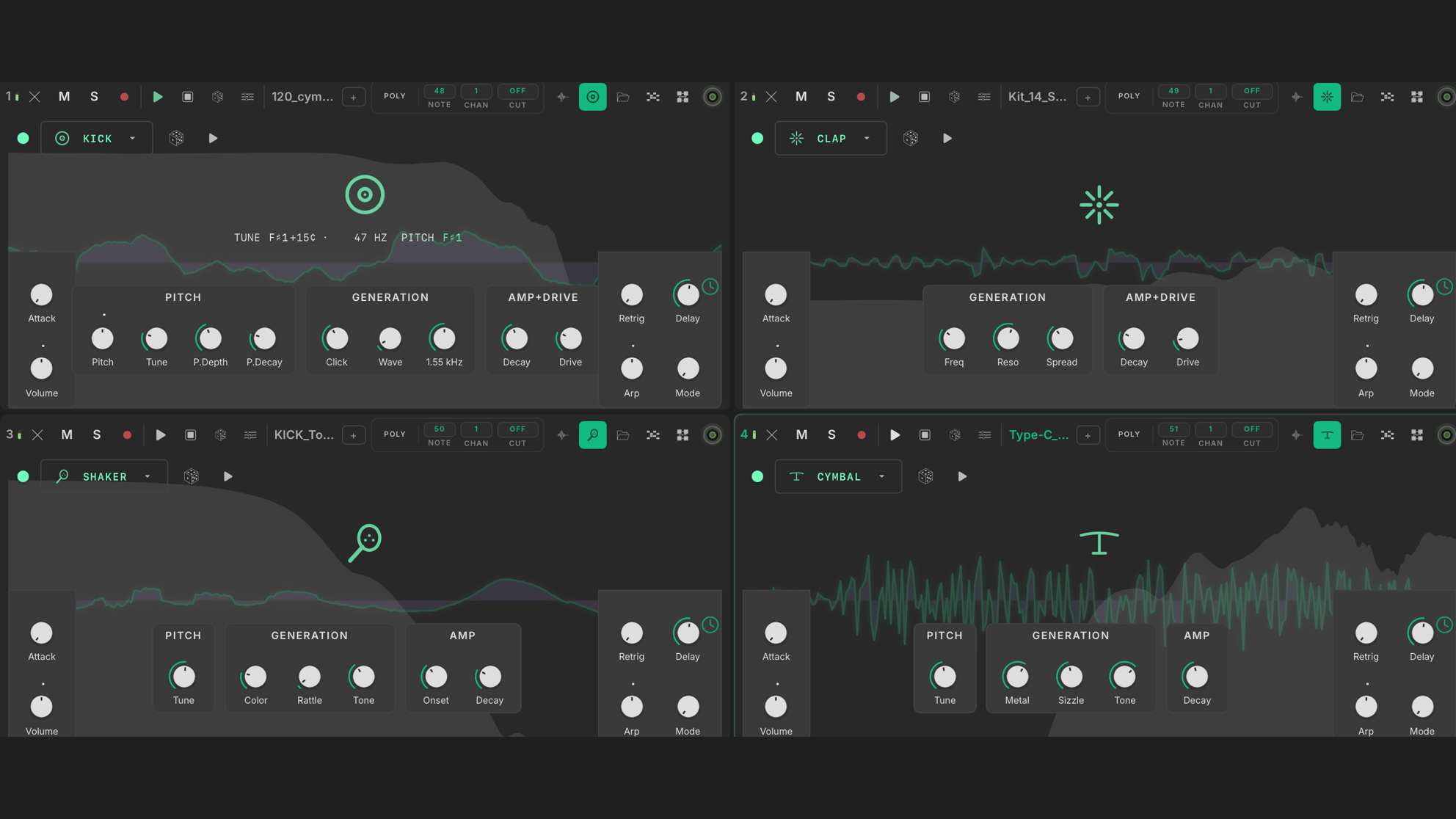
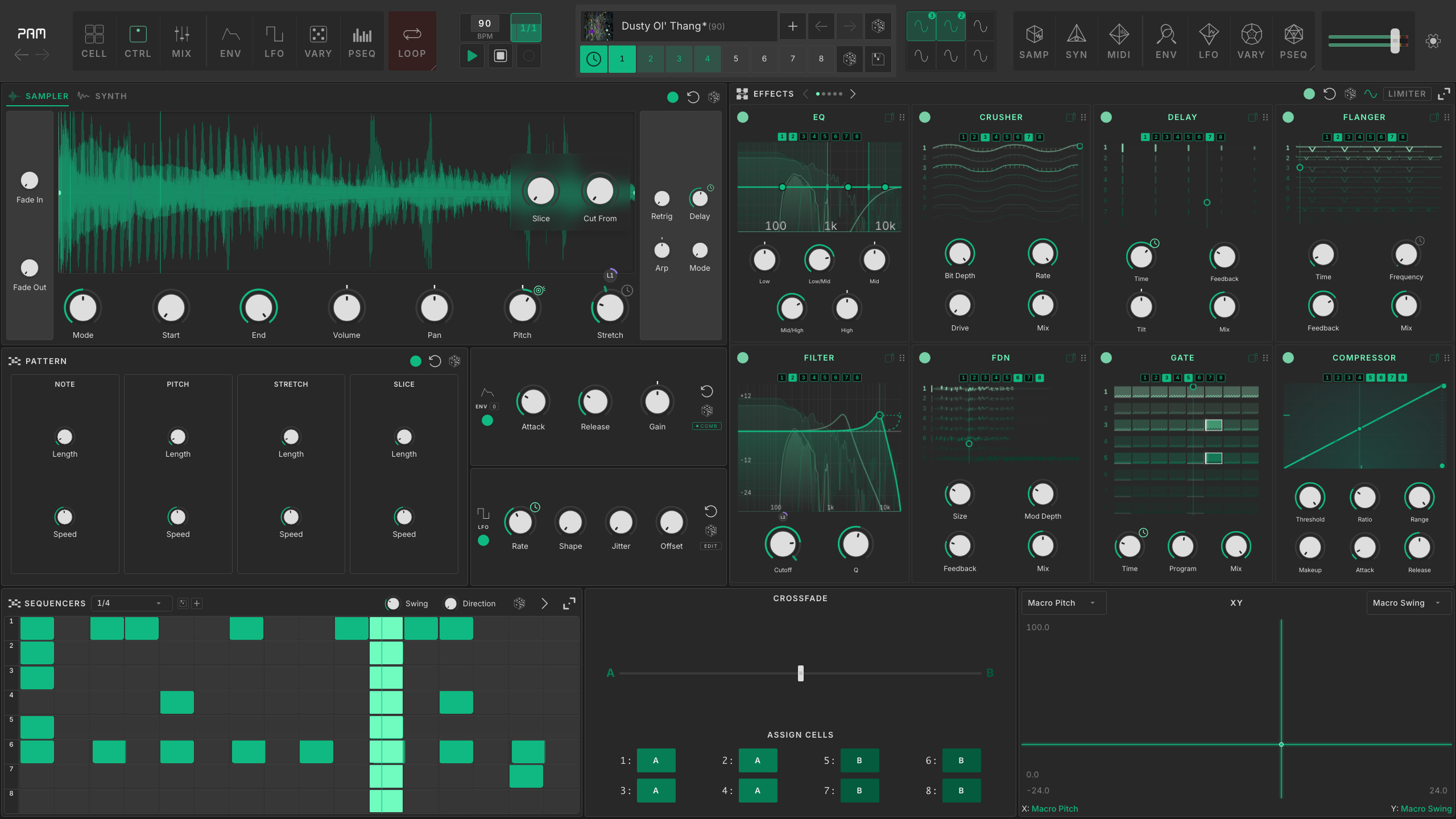
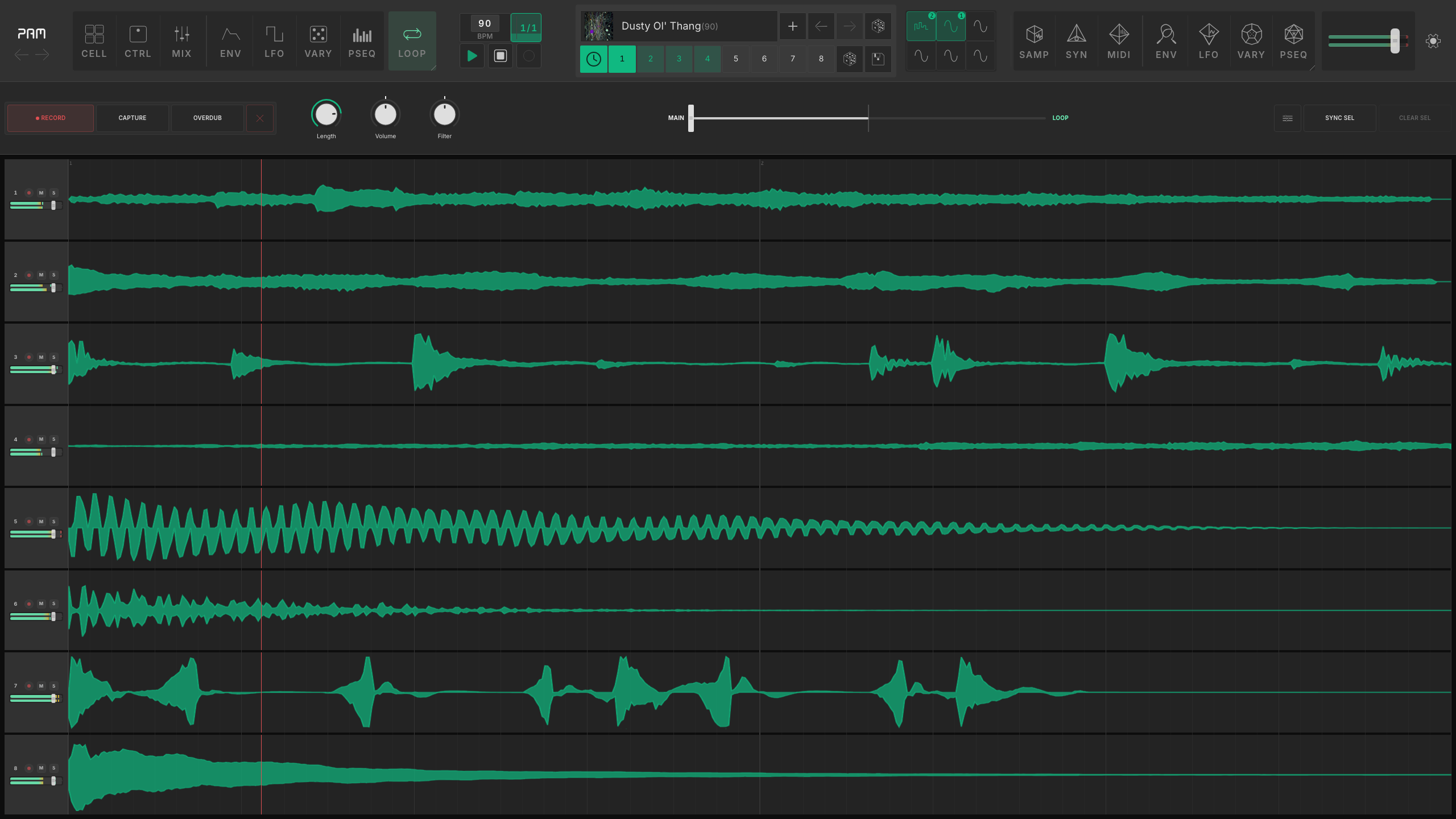
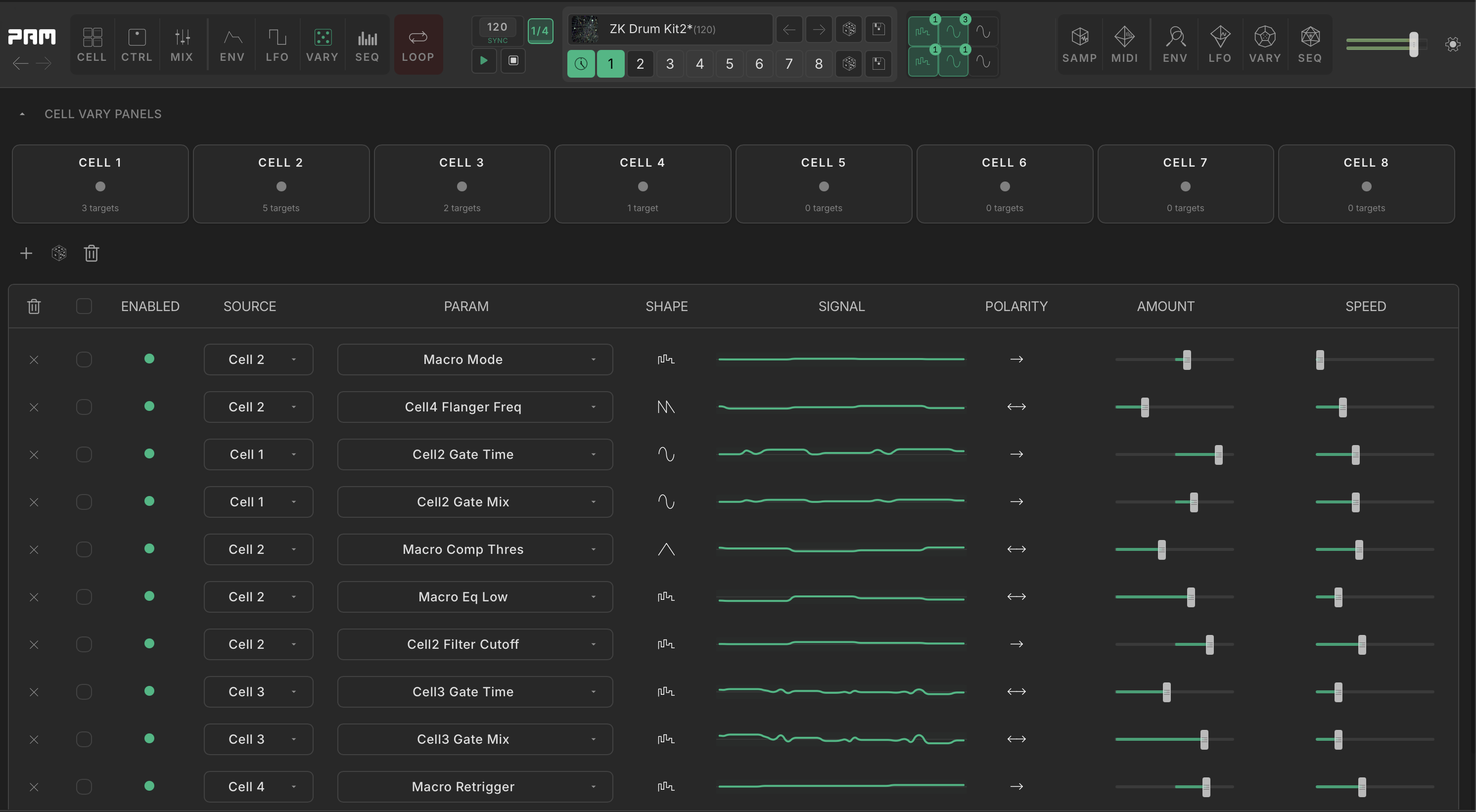
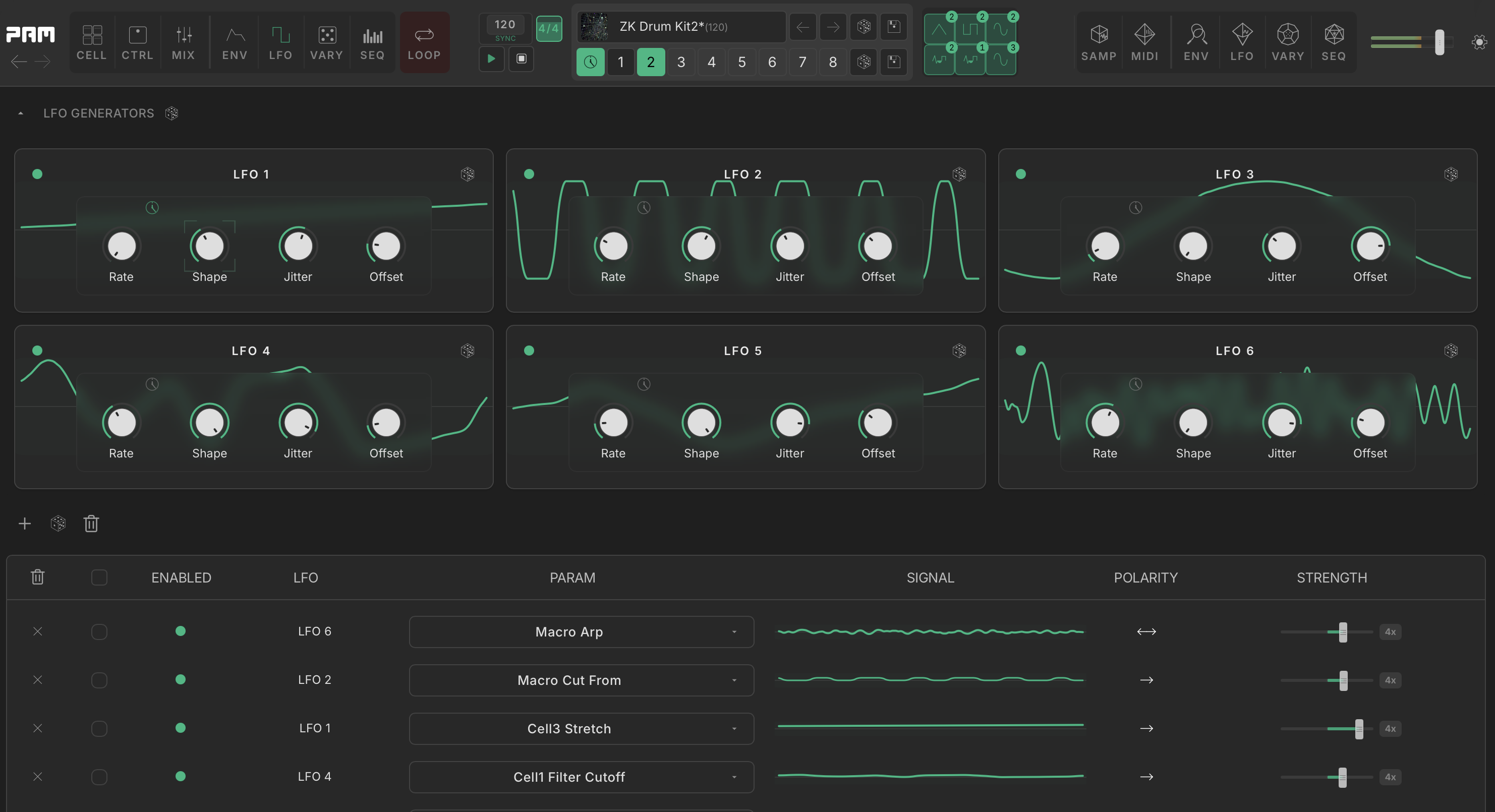
PAM is an 8-cell creative instrument for sampling and drum synthesis. Every cell has 33 built-in effects, its own sequencer, and a modulation matrix. Build rhythms in the step sequencer, write polyphonic parts in the piano roll, or program all eight cells together in the tracker.


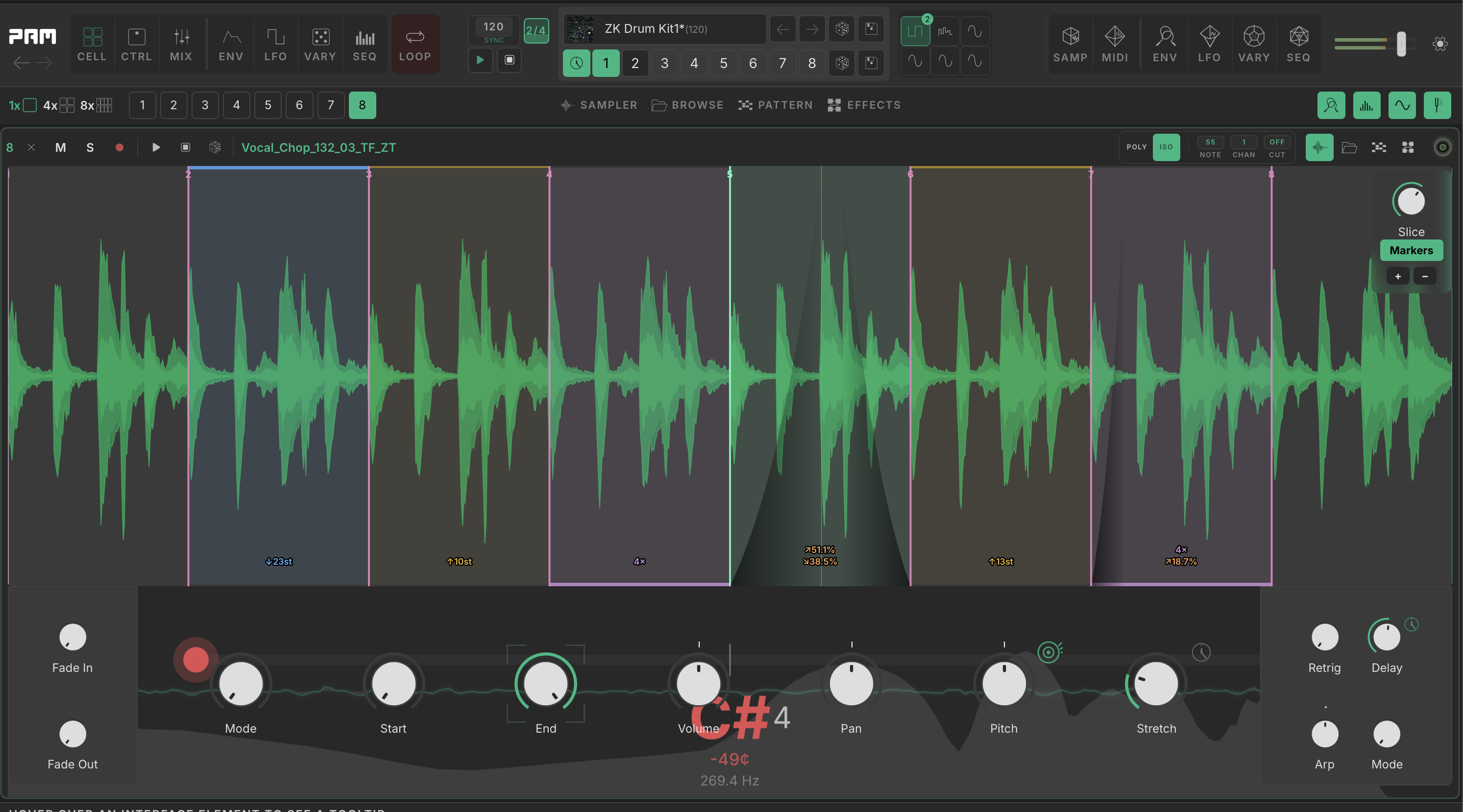
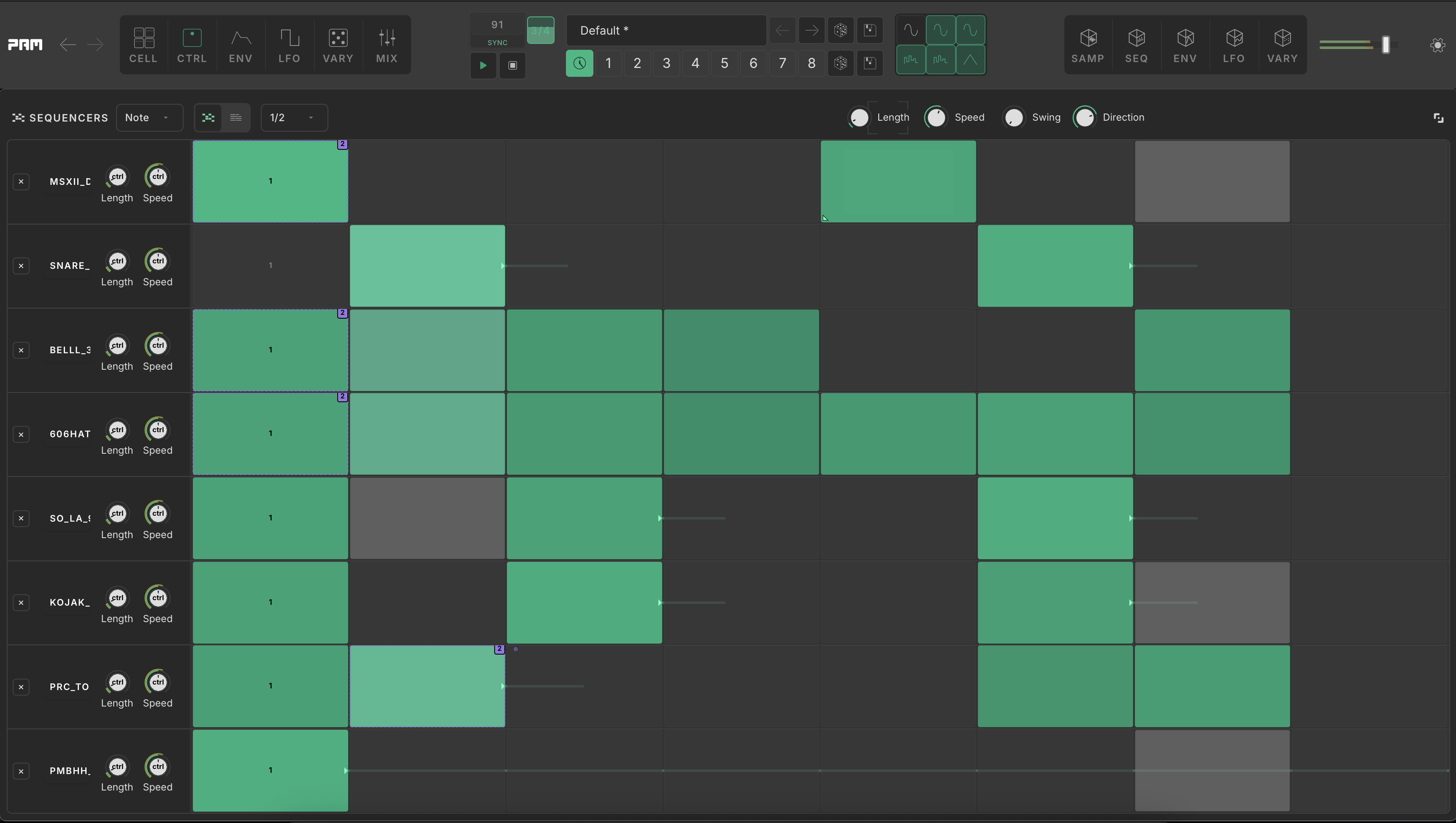
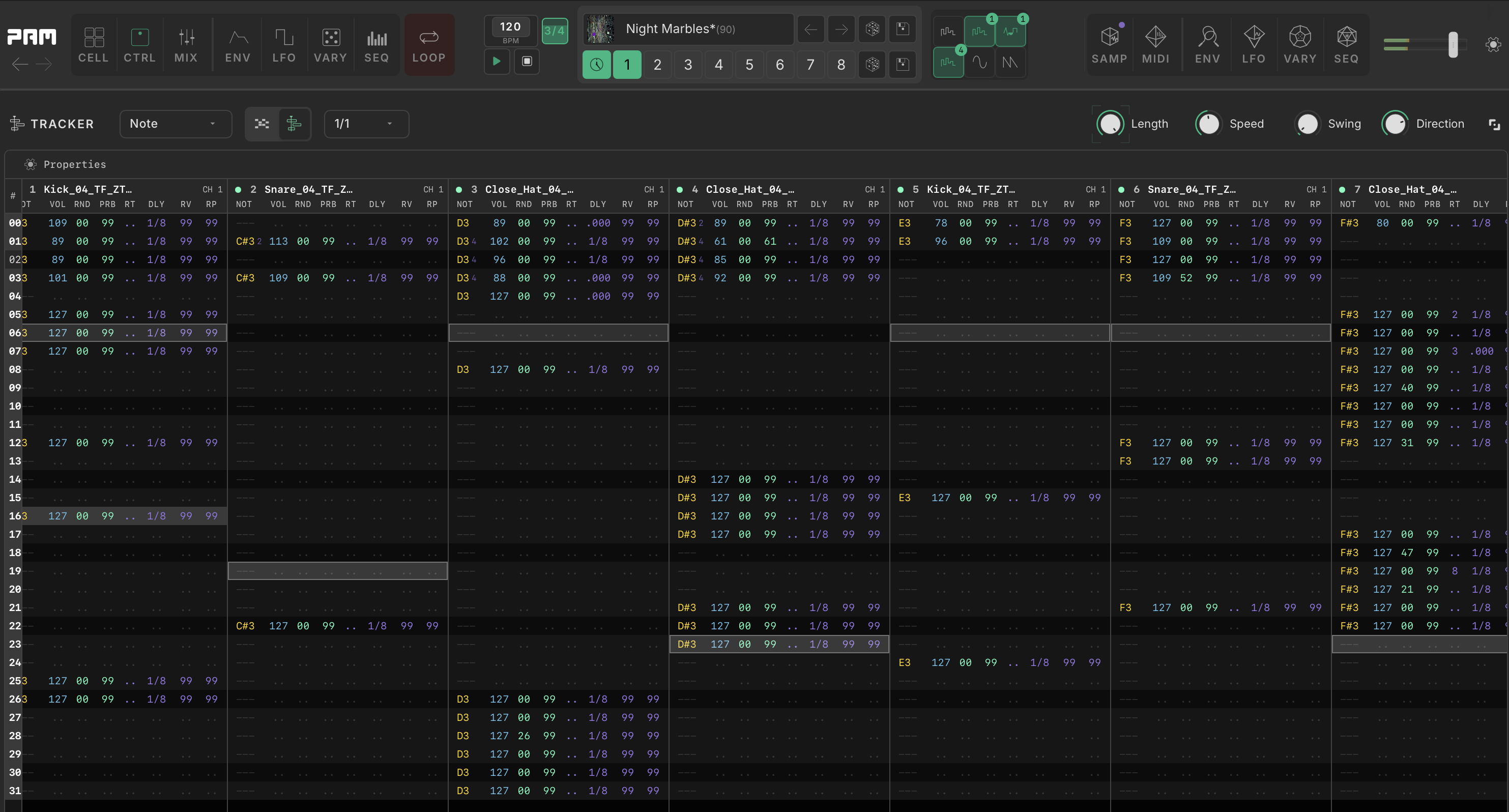
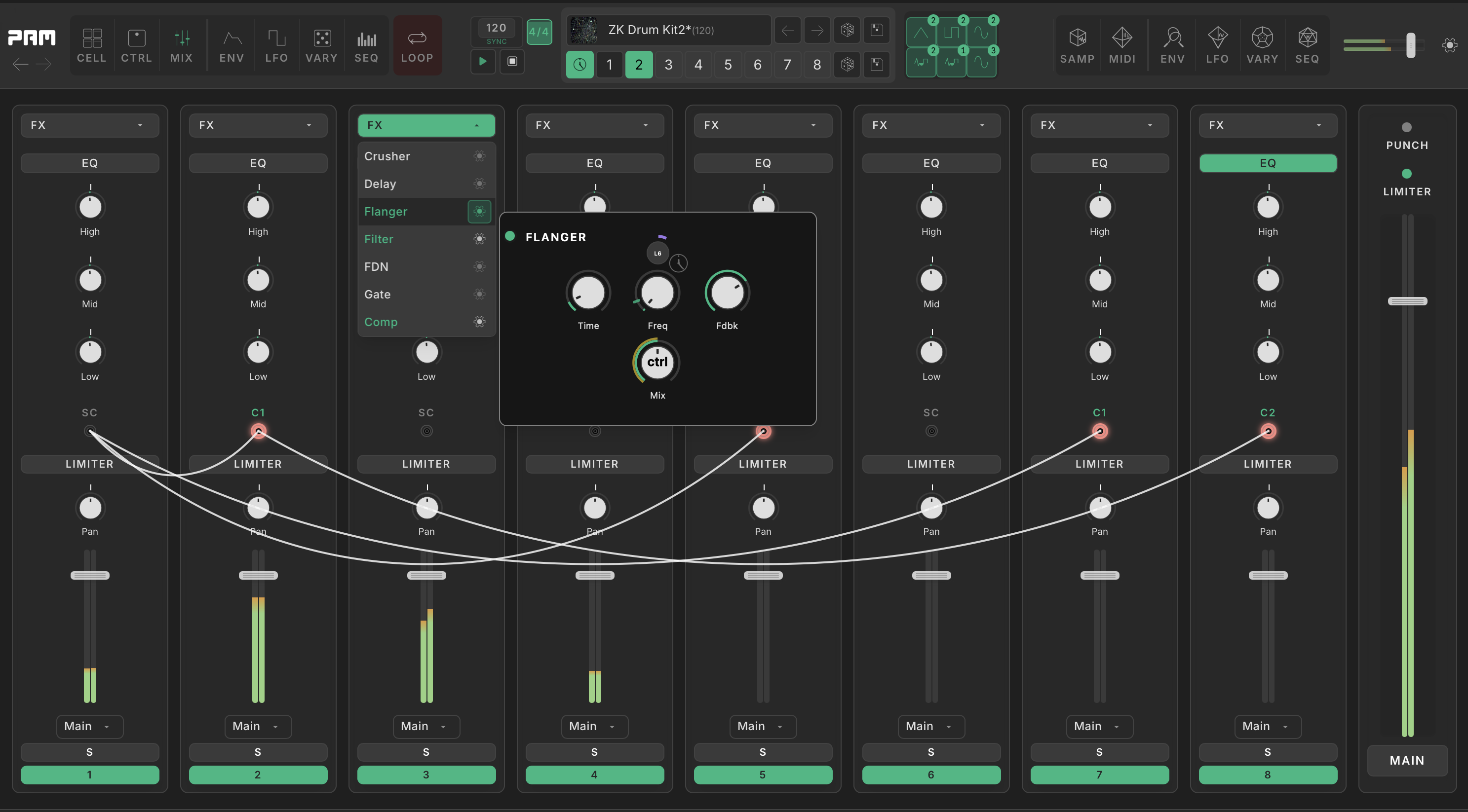
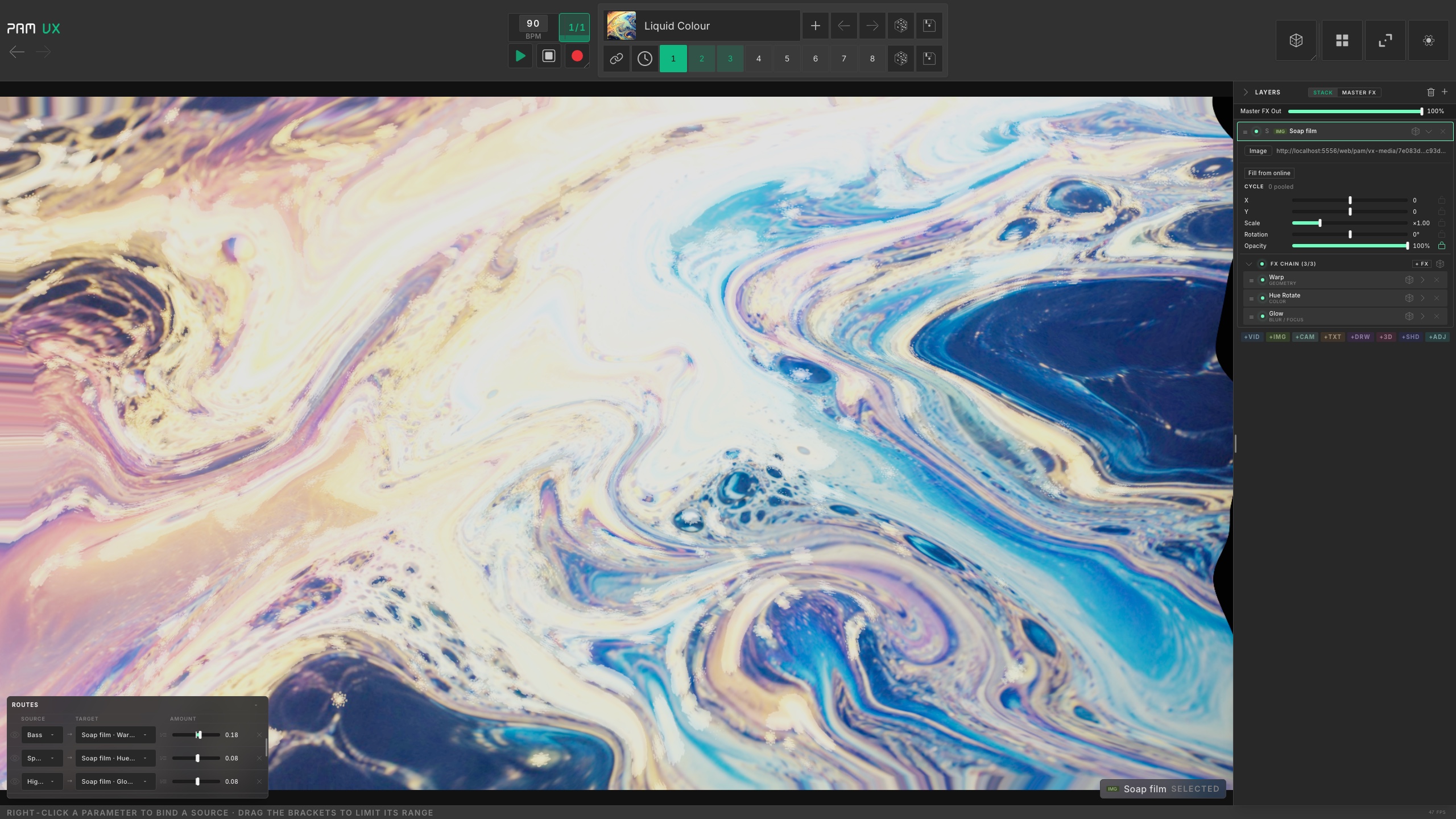
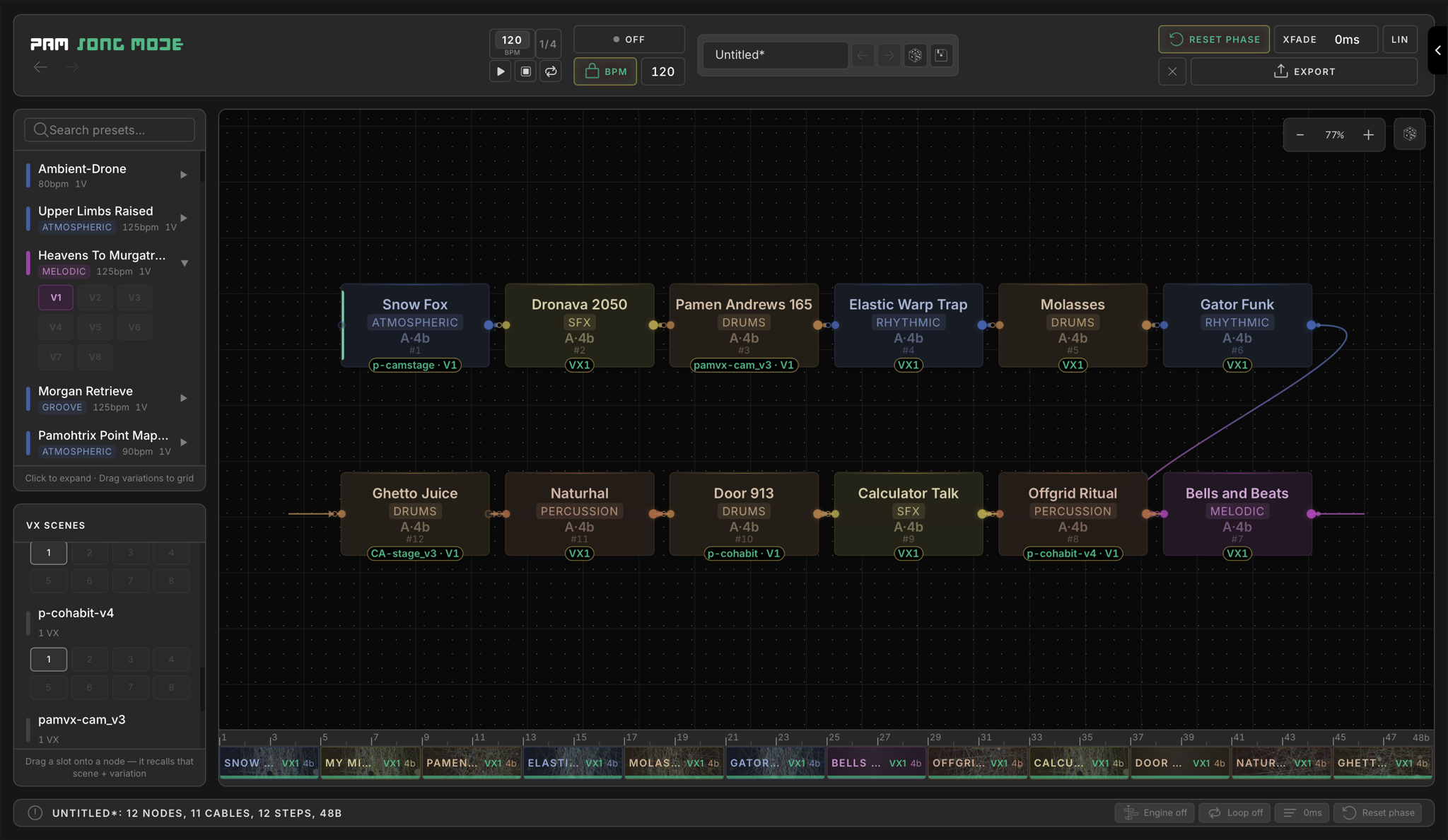
Cell Grid
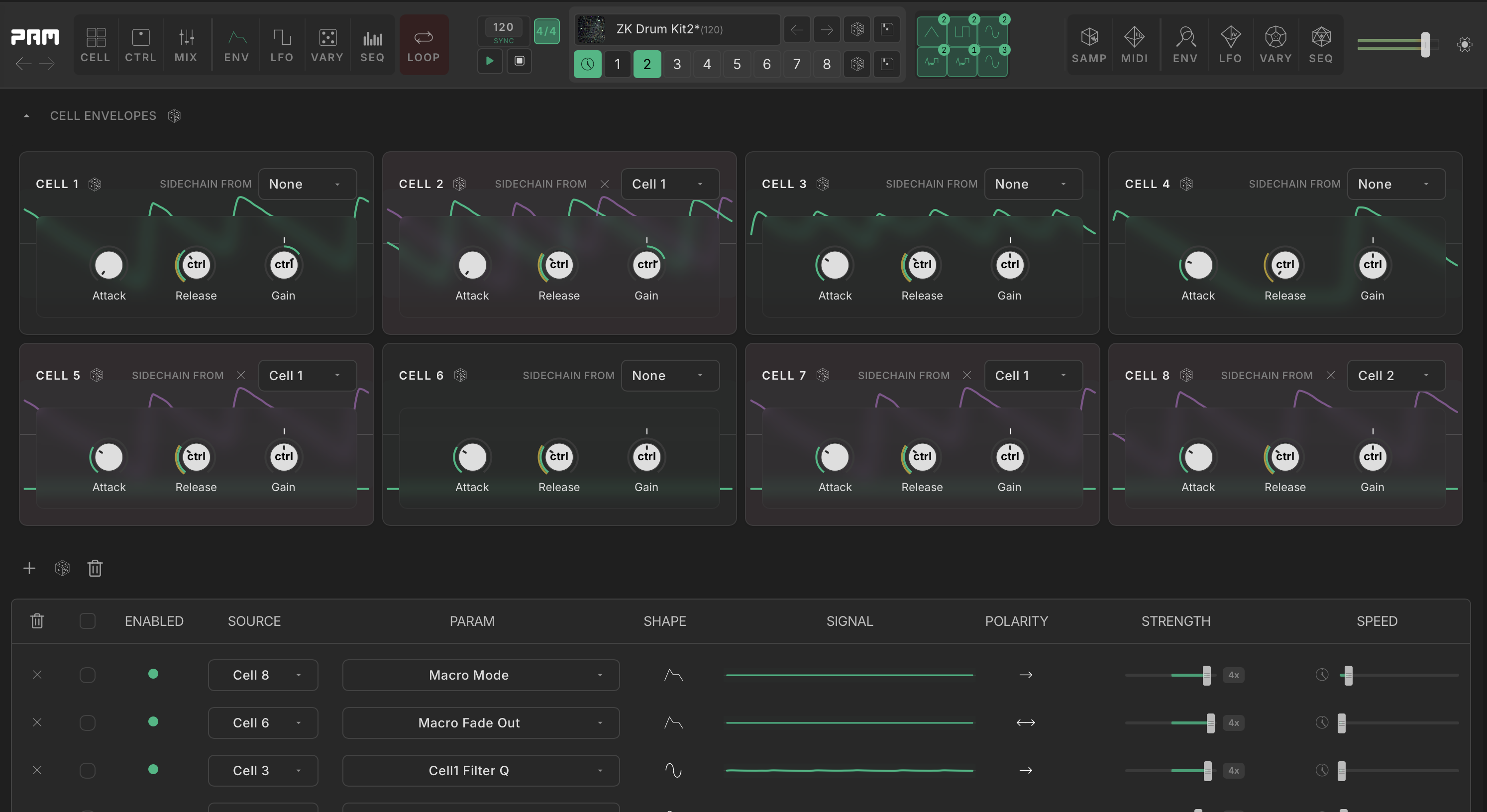
Eight independent sampler and drum-synth cells, each with 33 built-in effects and its own sequencer. Point one cell’s envelope follower at another and its hits move the other cell’s controls.
33 effects in every cell
Give each of PAM’s eight cells its own effect chain, from distortion and rhythmic repeats to reverb. All 33 effects are included in PAM and shared with MFX. Try them one at a time in the MFX player below.
Crusher
Bit depth and sample rate reduction. Lower the rate for aliasing, lower the bits for grit.
The mid band is decimated on a step lane while the band above it keeps its transients intact.
5 controls · 5 modulation targets
A panel behind every knob
Open a control’s modulation matrix, edit a step, or draw a curve. Eleven editors are here.
Pick one to see it.

Modulation Matrix
Open a modulation target’s matrix to assign envelope followers, any of six LFOs, Vary or a parameter sequencer. Set the depth and polarity of each assignment.
Sounds
Beats, textures, and tracks made with PAM and its preset packs.
Loading audio previews…
Route effects in MFX
Early accessBuild a four-cell effects patch on one insert.
Use the same effects as PAM on incoming audio. MFX adds a cable patchbay for serial chains, parallel lanes and feedback loops, with a level control on every cable.
Explore MFX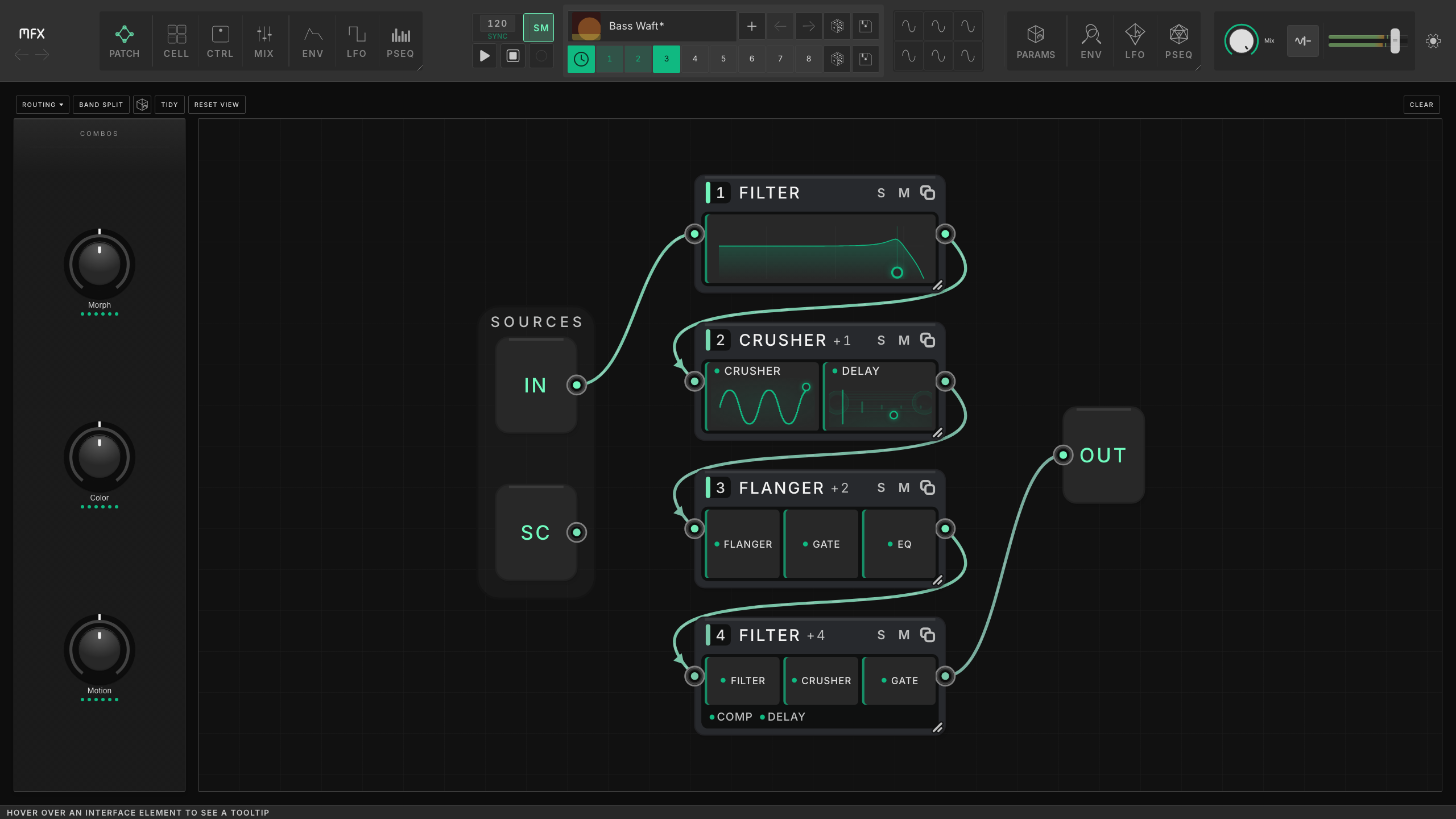
Get Started
System Requirements
- macOS 14+ (Apple Silicon) / 12+ (Intel), or Windows 10/11
- Plugin and Standalone available
- VST3, AU (macOS), CLAP, Standalone
- Current version: 1.8.4