MAP Audio
Instruments for play, weird DSP and good taste
Built by musicians and audio engineers who care how an instrument feels in your hands. About us
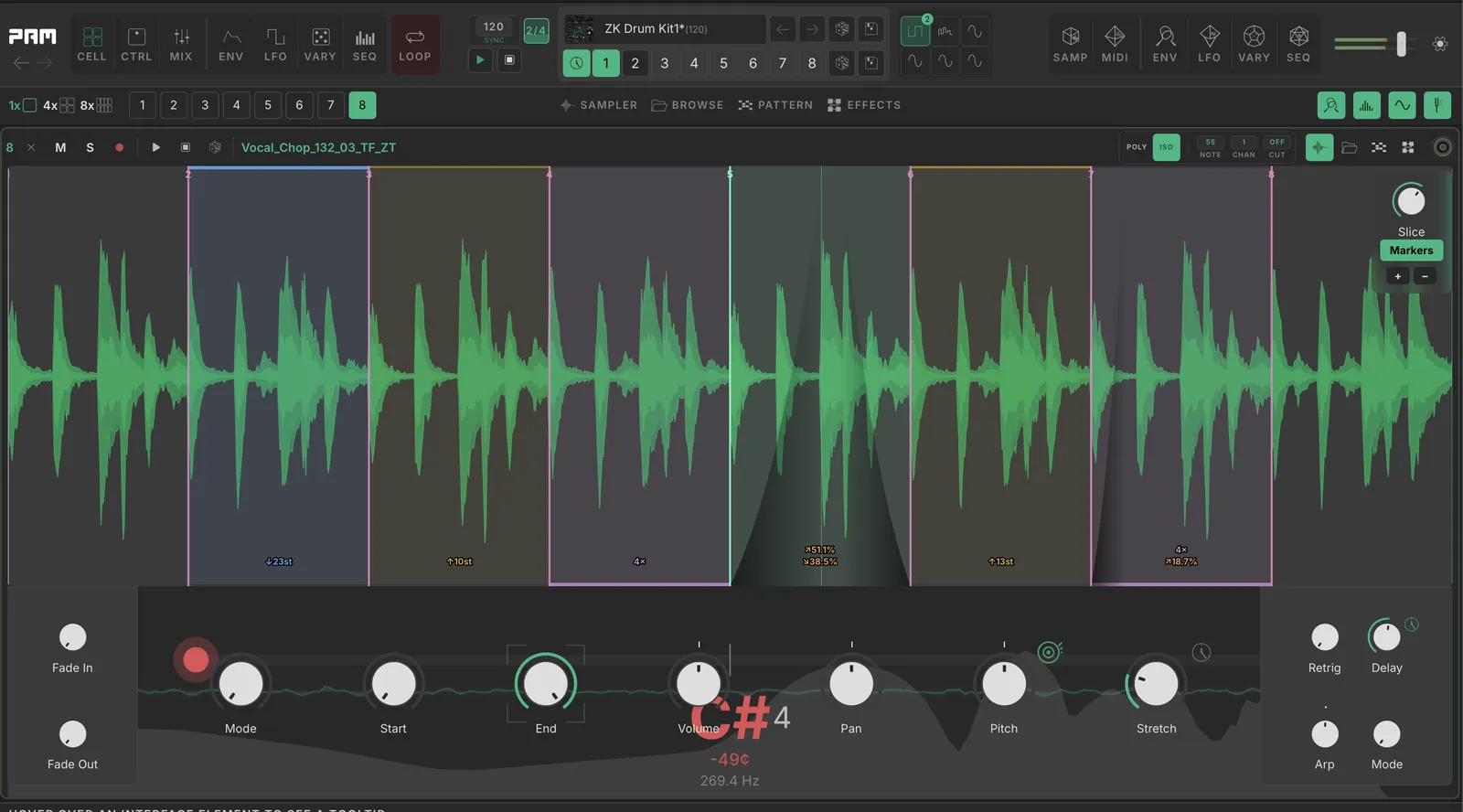
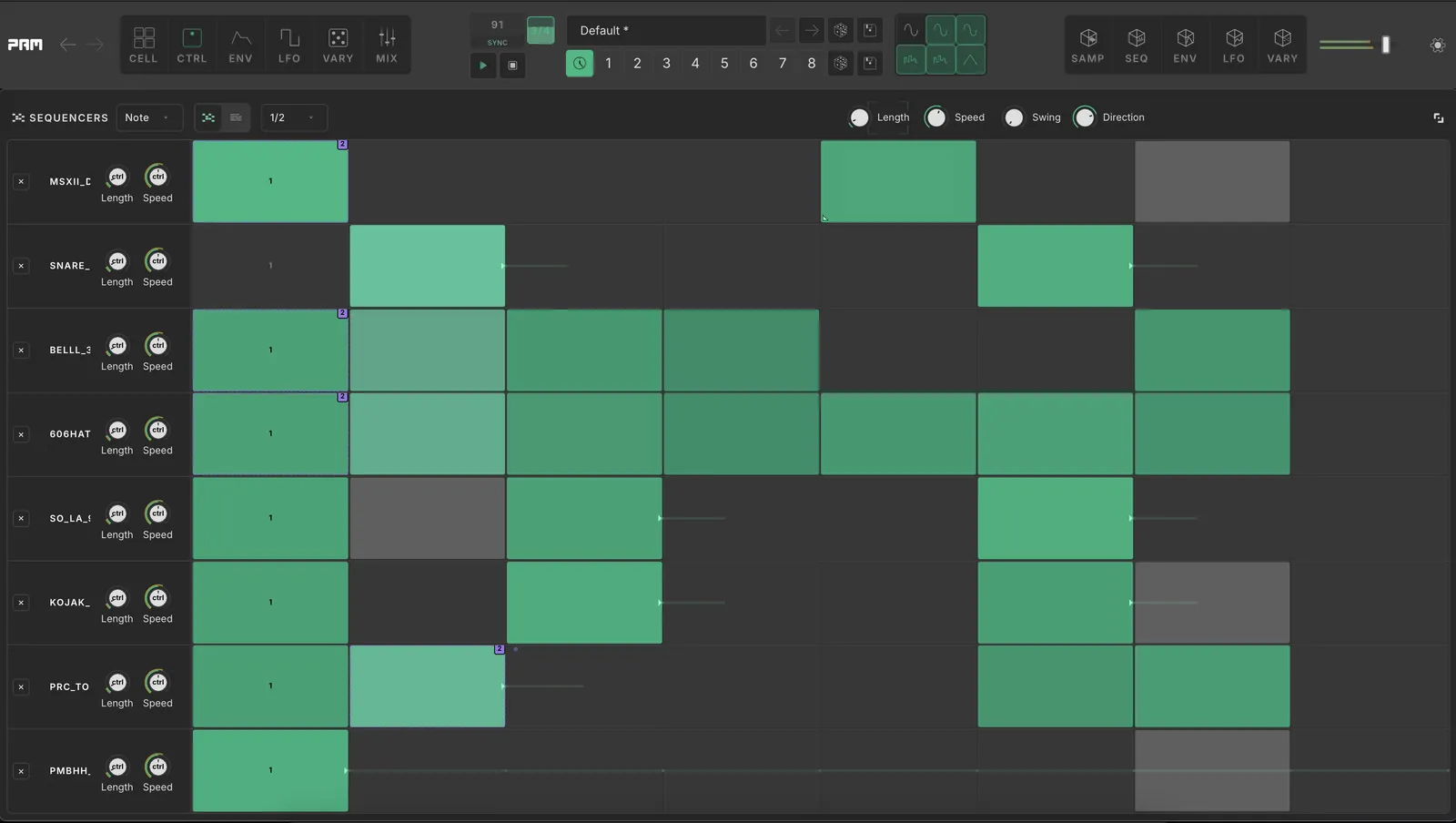
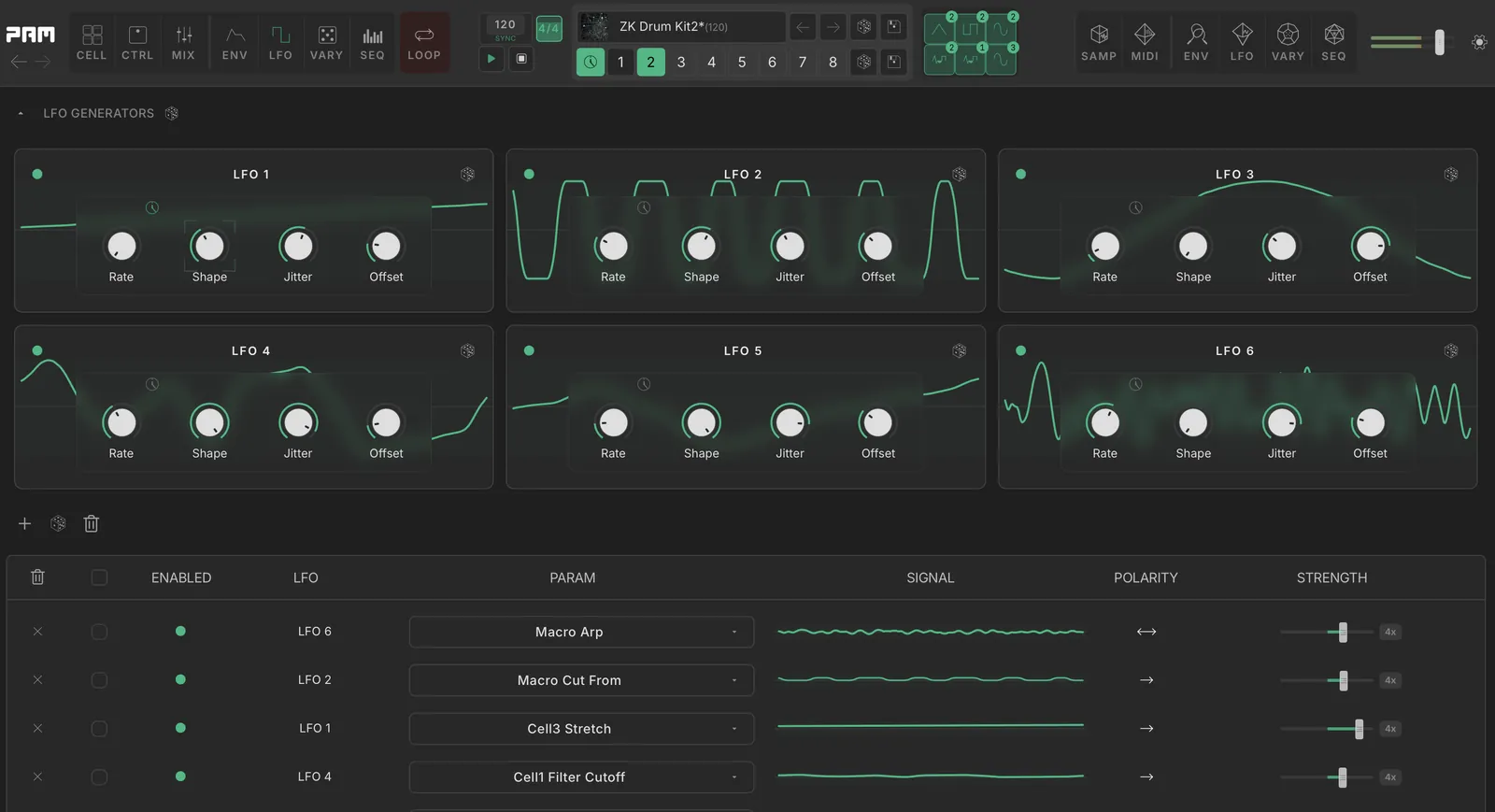
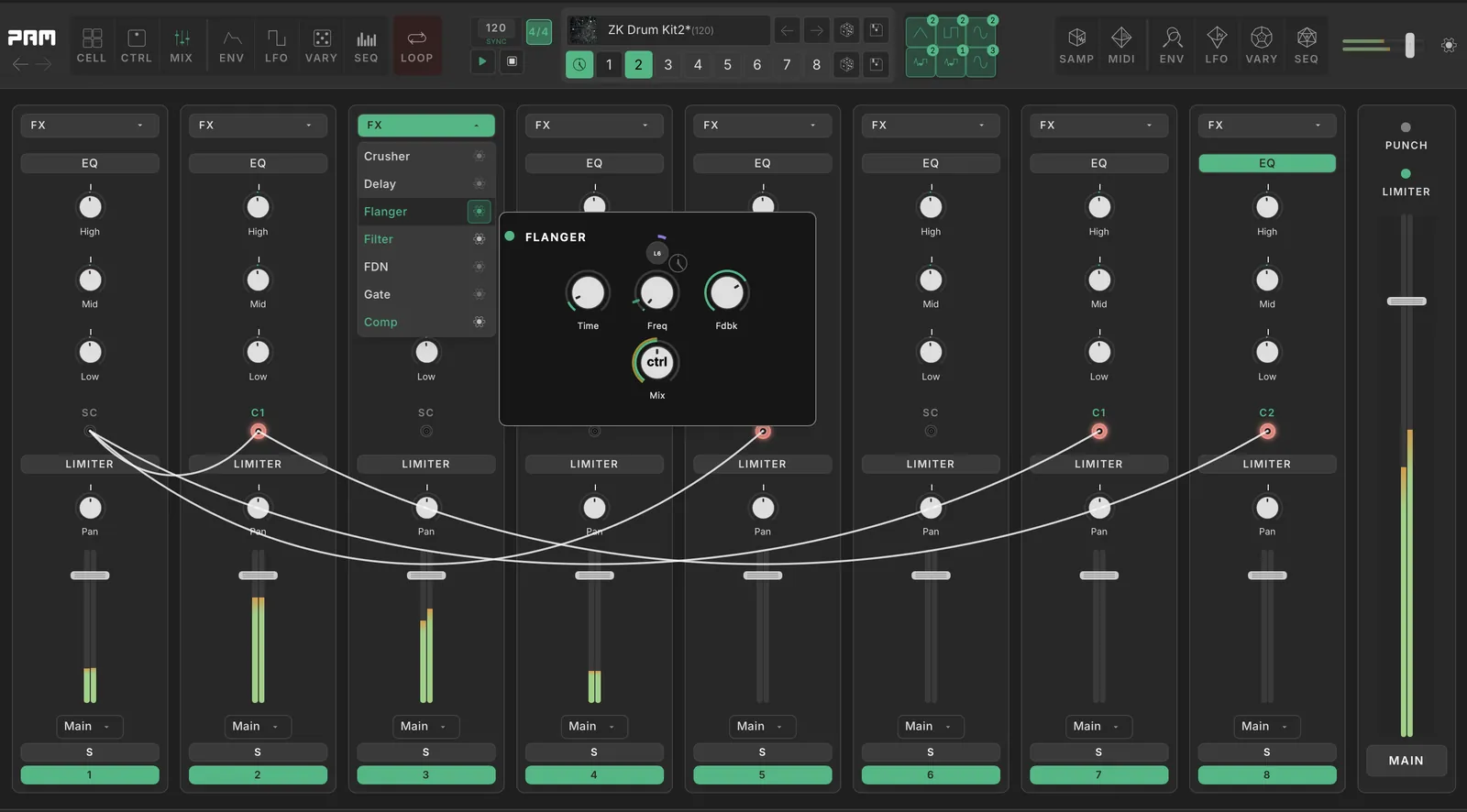
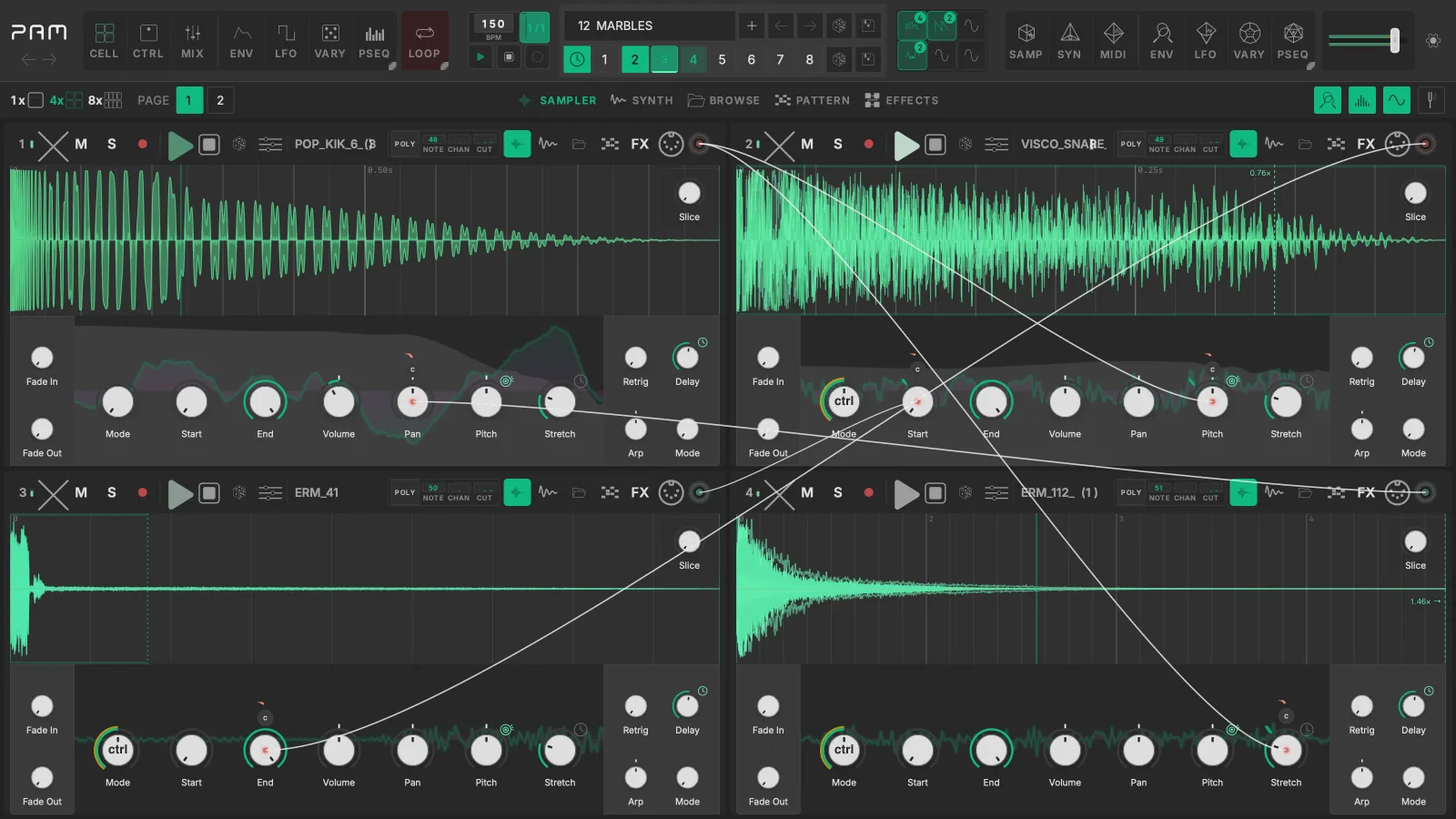
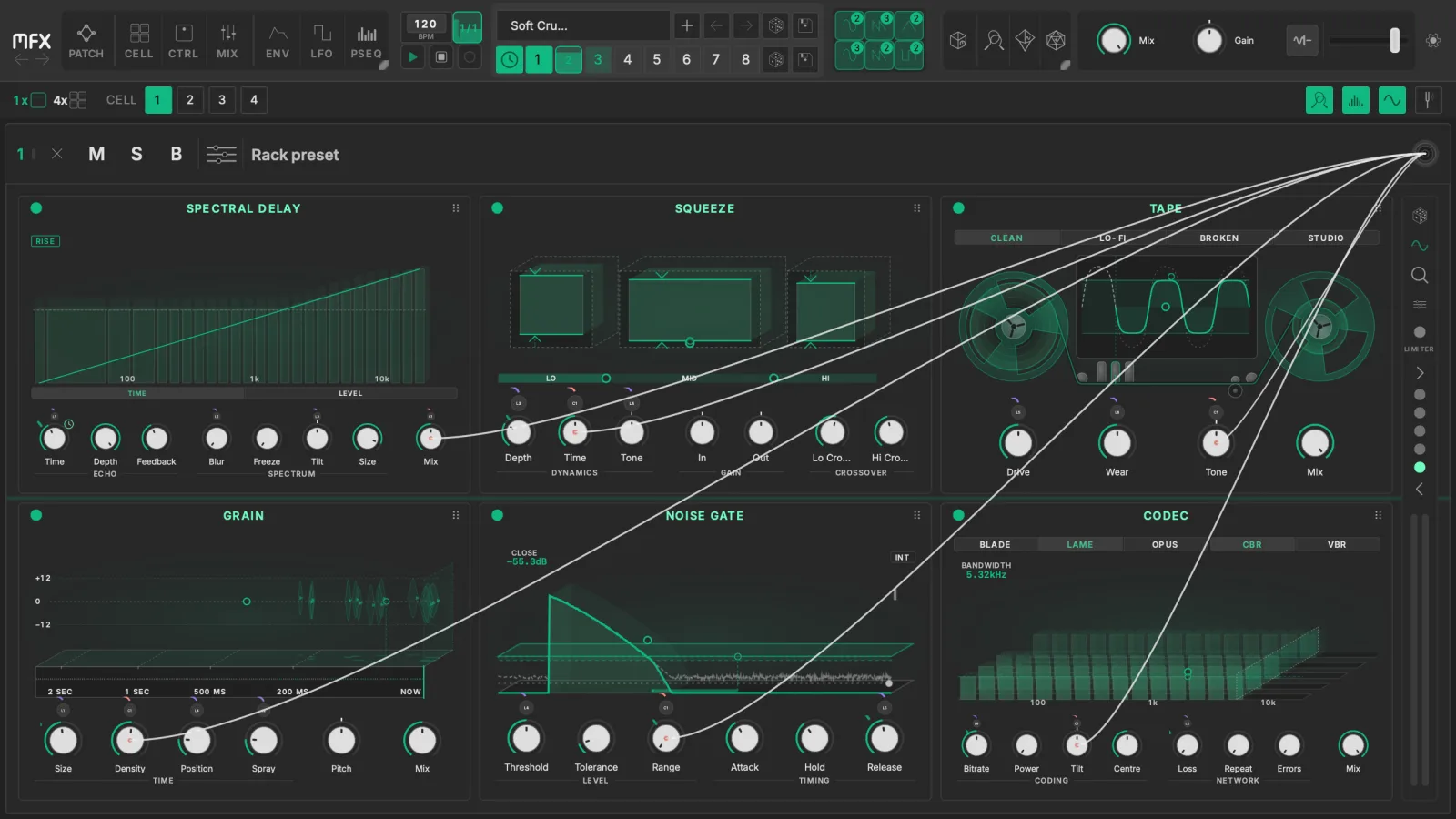
Eight sampler and drum-synth cells, each with 36 effects, its own sequencer and an open modulation matrix, plus a tracker, an eight-track looper and live coding.
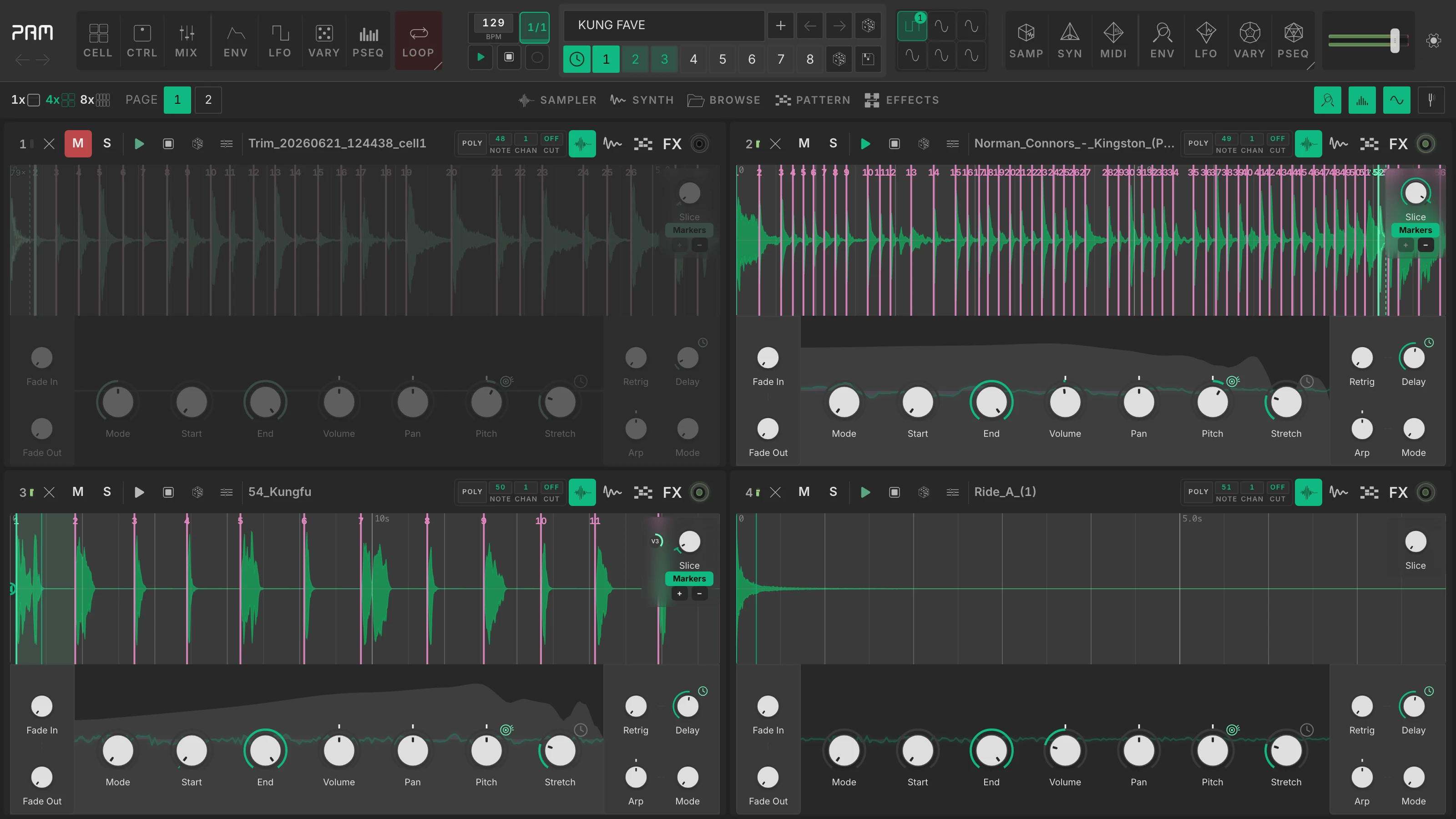
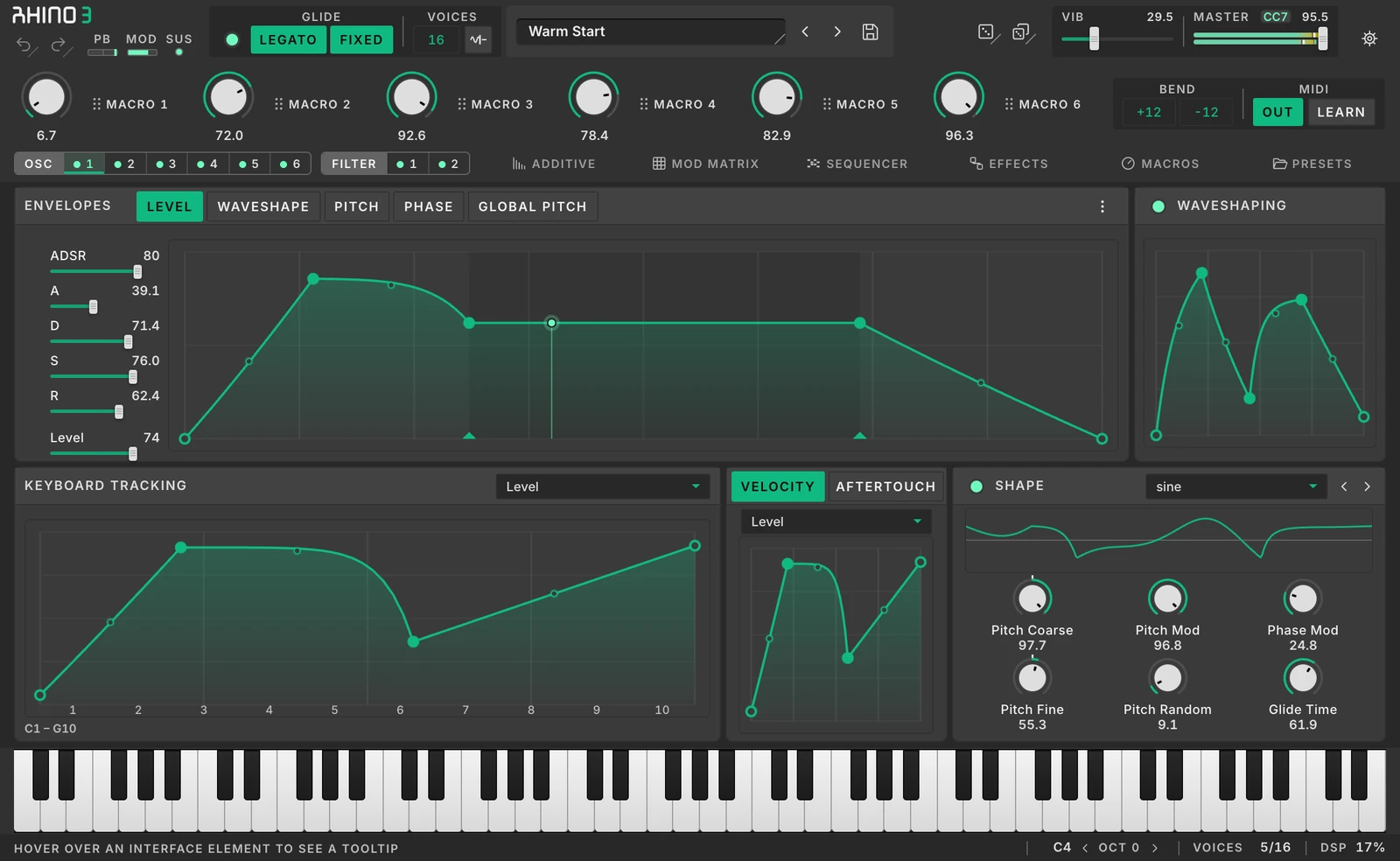
Instruments & effects
In good company
PAM is absolutely wild. What an amazing piece of software you have designed here; it's a playground for sample manipulation.
Richard DevineMusician / Sound DesignerWatch Richard’s PAM session

Nice! It's like Suno, but not as dumb.
Benn JordanMusician / YouTuberWatch Benn’s PAM session
I do not know what I am doing, you cannot go wrong nor right, and I do not care because I am having fun so I will 99.999% be performing live with this.
Bogdan RaczynskiMusician

Watch PAM
Start with the full walkthrough, then see how artists and sound designers bend PAM in their own sessions.
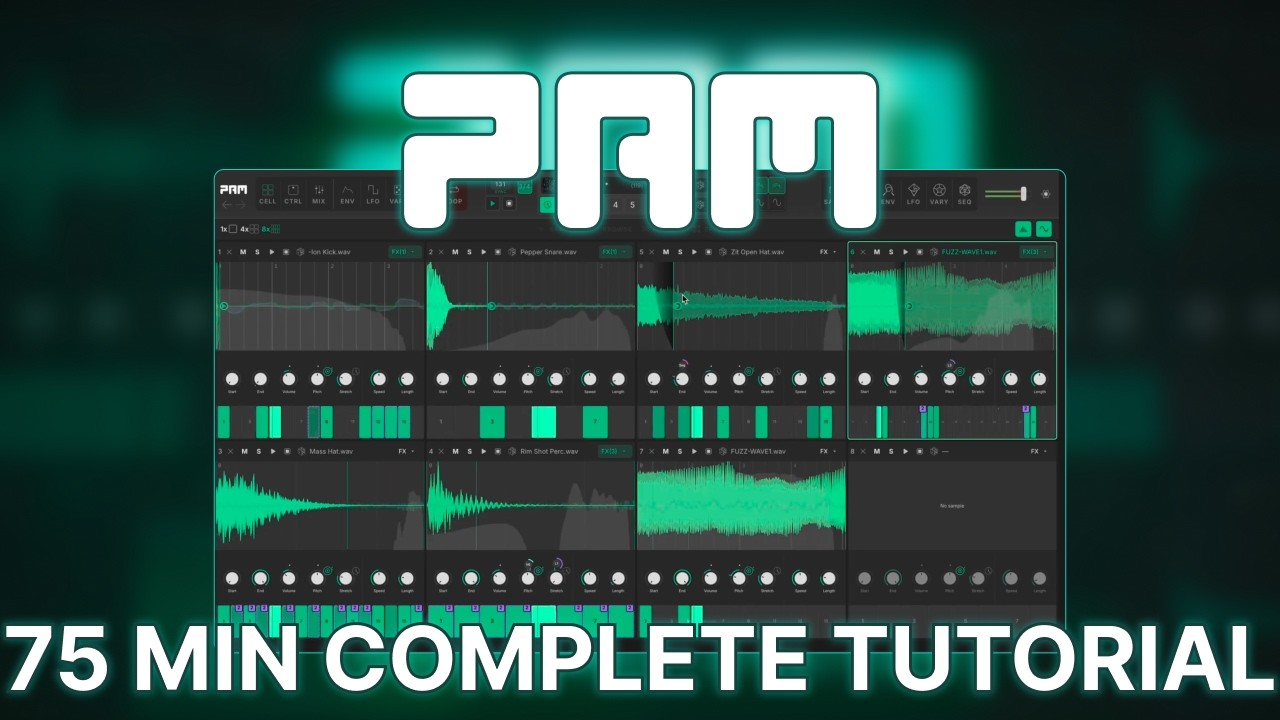
Official tutorial
PAM Complete Tutorial
MAP Audio
Official and creator videos
Play it in your browser
Hit Play and twist some knobs. Scroll down if you want the guided tour.
Guided Tour
Build a beat in PAM step by step: pick a tutorial preset and advance through it.
Sample beat
1. Kick, snare and hats
- Three sample cells at 122 BPM. Cell 1 plays a kick on every beat and cell 2 a snare on beats 2 and 4.
- Both are in Trigger mode, so each hit rings out in full.
- Cell 3 plays sixteenth hats on a one-beat Note lane. Its four steps sit at four velocities, so even a one-beat loop carries an accent.
- Open the keyboard on the hats’ Note lane and move a velocity. The accent moves with it.
Build something with us
We also team up with other audio companies on plugins, DSP, on-device AI and gnarly legacy codebases.